Operation
Follows the environment status and centralizes administrator work shortcuts.
A quick walk through the areas of the base: XMLs, skills, panels and systems. Want the full list, file by file? That is the catalogue.
A functional view of the local panel used to monitor, manage, and update server operation.
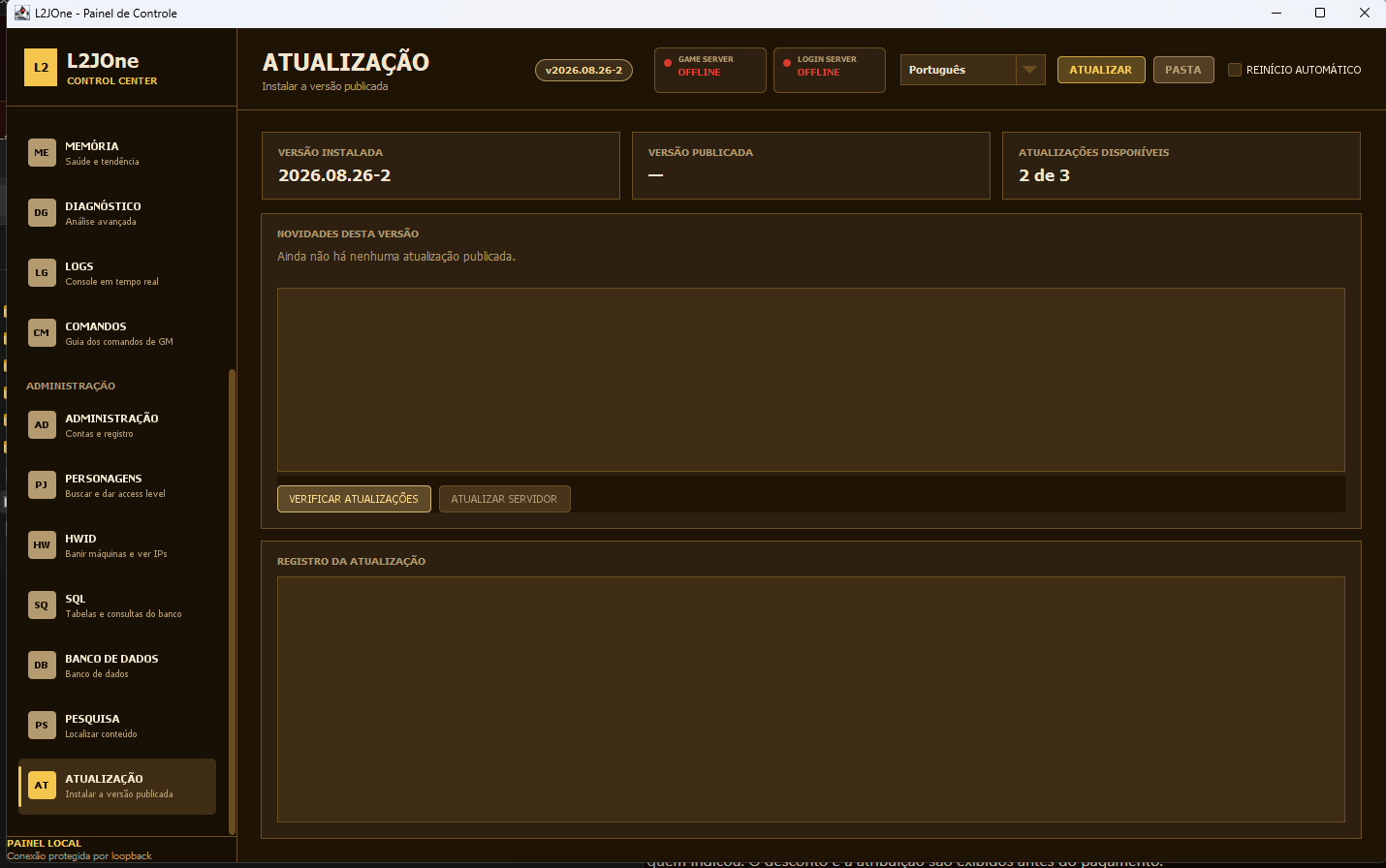 Example of the Control Center update screen.
The commercial site reports availability. Installation happens on the administrator computer through local Control Center, after customer confirmation.
Follows the environment status and centralizes administrator work shortcuts.
Brings together memory, diagnostics, records, and commands for routine monitoring.
Organizes account, character, query, data, and environment search tasks.
Shows version, changelog, allowance, and records; installation is confirmed in the local panel.
Server service status
Resource and activity overview
Shortcuts to operation areas
Memory health and trend
Operational diagnostics and records
Administrator-oriented commands
Account and character administration
Environment queries and maintenance
Quick content search
Published and installed version check
Changelog and update allowance
Customer confirmation before installation